
Appearance
Taxonomy Generation
Taxonomy generation lets you create structured sets of categories, tags, and custom taxonomy terms with full control over hierarchy, depth, and naming. While Post Generation can auto-create a handful of terms on the fly, the dedicated taxonomy generator gives you precise control over how many terms are created, how deeply they nest, and how they relate to each other. This is especially valuable when you are testing category-heavy themes, building content catalogs for custom post types, or setting up complex content architectures that rely on well-structured taxonomies.
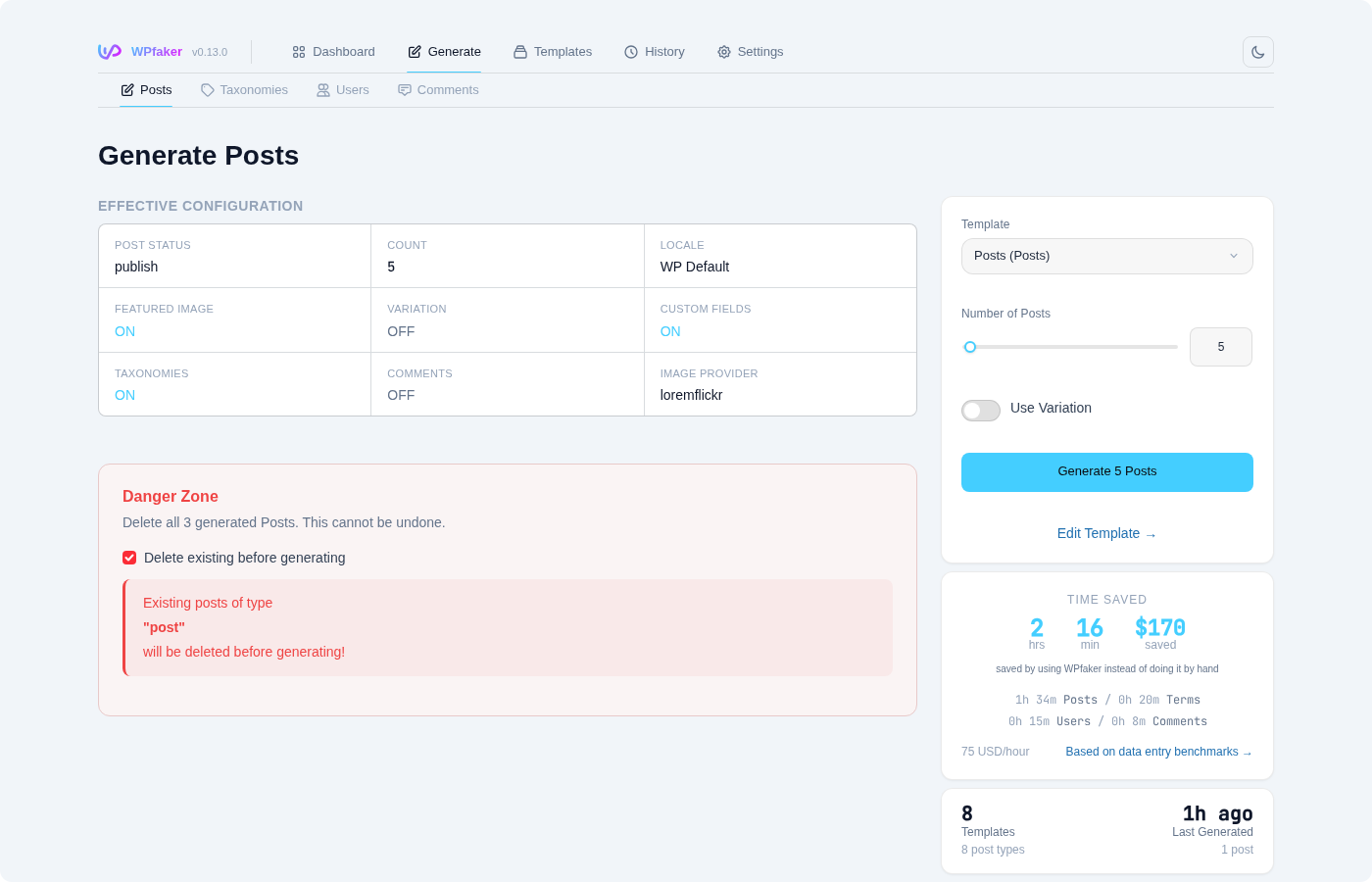
Taxonomy Selection
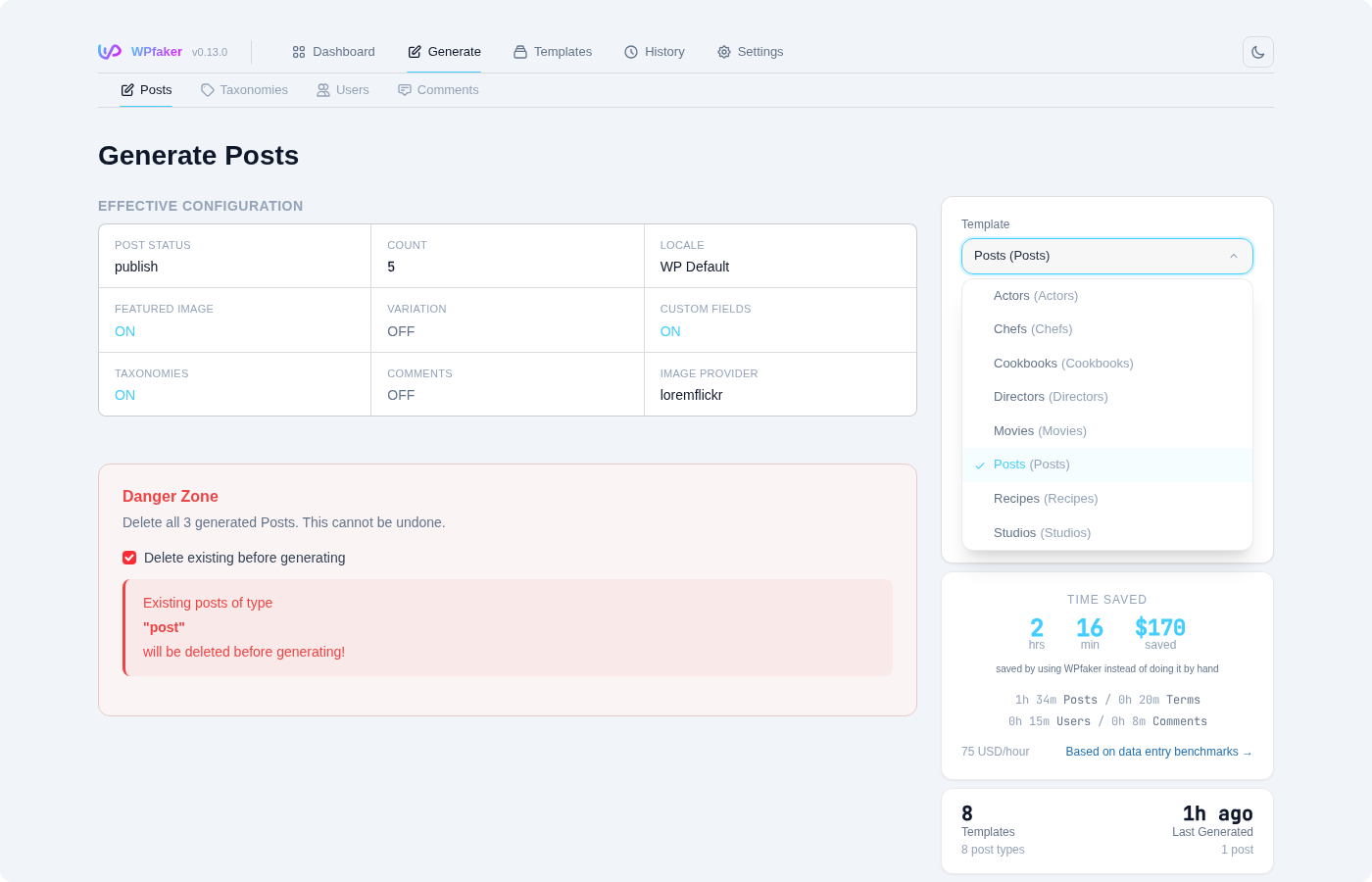
The taxonomy selector shows every taxonomy registered on your WordPress site. This includes the built-in Categories and Tags, as well as any custom taxonomies that your theme or plugins have registered — portfolio types, event categories, location hierarchies, and so on.
When you select a taxonomy, the interface displays key information about it: whether it is hierarchical (supports parent-child relationships, like Categories) or flat (a simple list, like Tags), how many terms currently exist, and which post types it is associated with. This context helps you decide how many terms to generate and whether to use the hierarchy features.
Number of Terms
The number of terms you can generate per batch depends on your server's resources. WPfaker automatically detects your PHP memory limit and execution time to calculate a safe maximum — typically between 10 and 500 terms per batch. The default is 5. For a simple blog with a few categories, 5 to 10 terms is usually sufficient. For a large e-commerce site with deep product categorization, you might need 50 or more terms across several levels of hierarchy. As with post generation, you can always run multiple batches to build up a larger term set incrementally.
TIP
When generating hierarchical terms, the total number of terms created can be much higher than the count you specify, because the count applies per level of the hierarchy. See Total Terms Calculation below for details.
Hierarchical Generation
For taxonomies that support hierarchy (Categories and most custom taxonomies), WPfaker can create structured parent-child term trees. This is one of the most powerful aspects of taxonomy generation, because manually creating nested term structures is tedious and time-consuming.
Depth
The depth setting controls how many levels of nesting are created, from 1 (top-level terms only) to 5 (five levels deep). A depth of 1 creates only root-level terms with no children. A depth of 2 creates root terms and one level of children beneath each. A depth of 3 adds grandchildren, and so on up to 5 levels.
Think of depth in terms of the real-world structures you are modeling. A blog might use a depth of 2 (main categories with subcategories). A product catalog might use 3 levels (Department, Category, Subcategory). A geographic taxonomy might go 4 or 5 levels deep (Continent, Country, Region, City, District). The default depth of 3 works well for most scenarios.
Breadth
The breadth setting determines how many terms are created at each level, from 1 to 10 terms per level (default 3). This controls how "wide" each level of the tree grows. A breadth of 3 means each parent term gets 3 children, each of those children gets 3 grandchildren, and so on.
Together, depth and breadth define the shape of your taxonomy tree. Here is how a hierarchy with depth 2 and breadth 3 looks in practice:
Technology
├── Hardware
├── Software
└── Networking
Science
├── Physics
├── Biology
└── Chemistry
Culture
├── Music
├── Film
└── Literature
And here is a deeper structure with depth 3 and breadth 2:
Electronics
├── Computers
│   ├── Laptops
│   └── Desktops
└── Mobile
    ├── Smartphones
    └── Tablets
Clothing
├── Men
│   ├── Shirts
│   └── Pants
└── Women
    ├── Dresses
    └── Skirts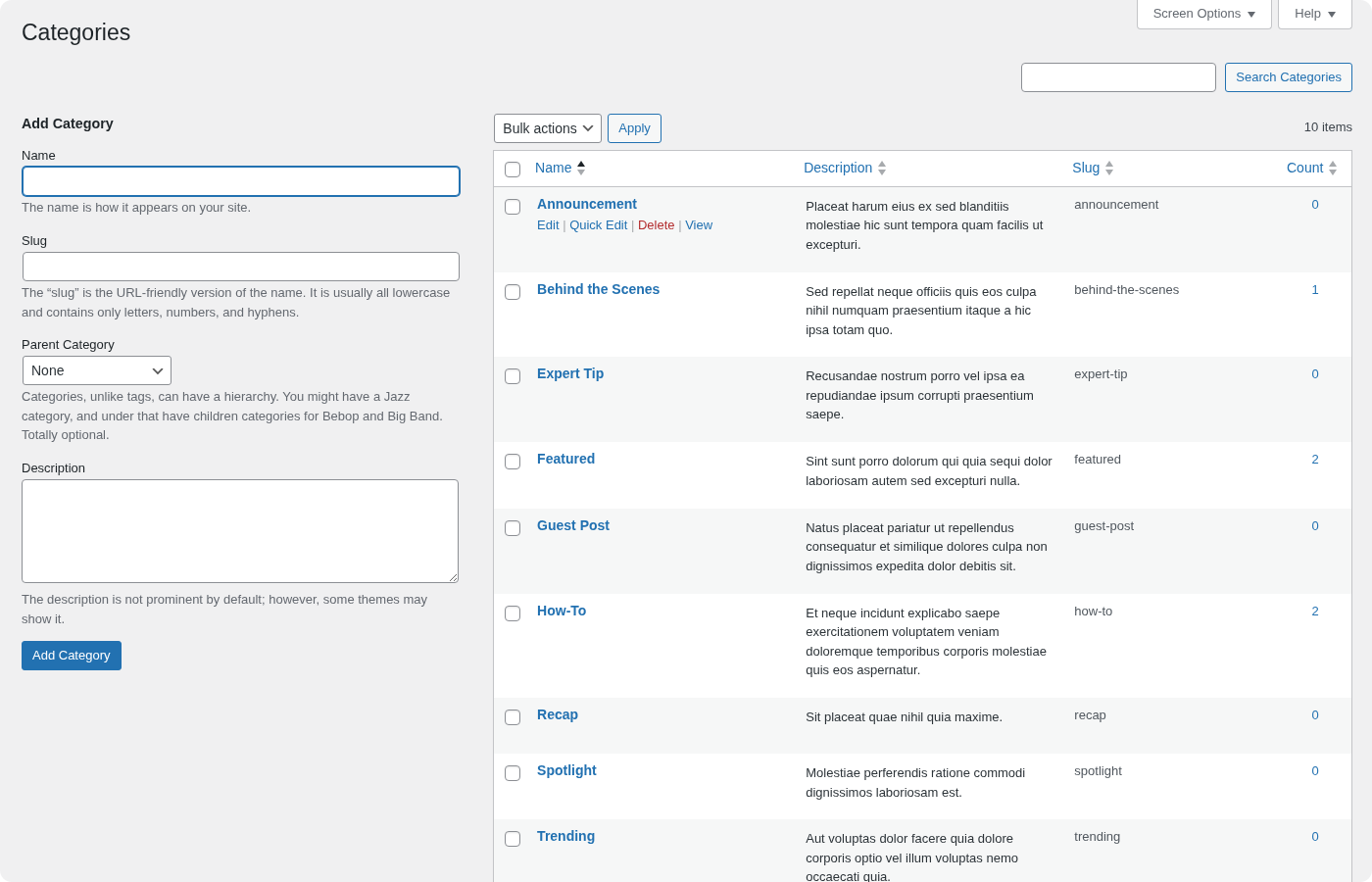
Total Terms Calculation
Because breadth applies at every level, the total number of generated terms grows geometrically with depth. With a breadth of 3 and a depth of 3, for example, you get 3 root terms, 9 second-level terms (3 children per root), and 27 third-level terms (3 children per second-level term), for a total of 39 terms. With higher breadth or depth values, this number can climb quickly.
WARNING
Deep hierarchies with high breadth values generate large numbers of terms. A depth of 5 with a breadth of 5 creates over 3,900 terms. Start with conservative values (depth 2-3, breadth 2-3) and increase only if you specifically need a large taxonomy tree. Some themes and plugins experience performance degradation with very large term counts.
Flat Taxonomy Generation
For non-hierarchical taxonomies like Tags and other flat custom taxonomies, WPfaker creates a simple list of terms without any parent-child relationships. You choose the number of terms, and WPfaker generates them as a flat pool. These terms are then available for assignment to posts during post generation, either automatically or through templates.
Flat taxonomy generation is straightforward: select the taxonomy, set the count, and generate. There are no depth or breadth settings because the taxonomy does not support nesting.
Random Parent Assignment
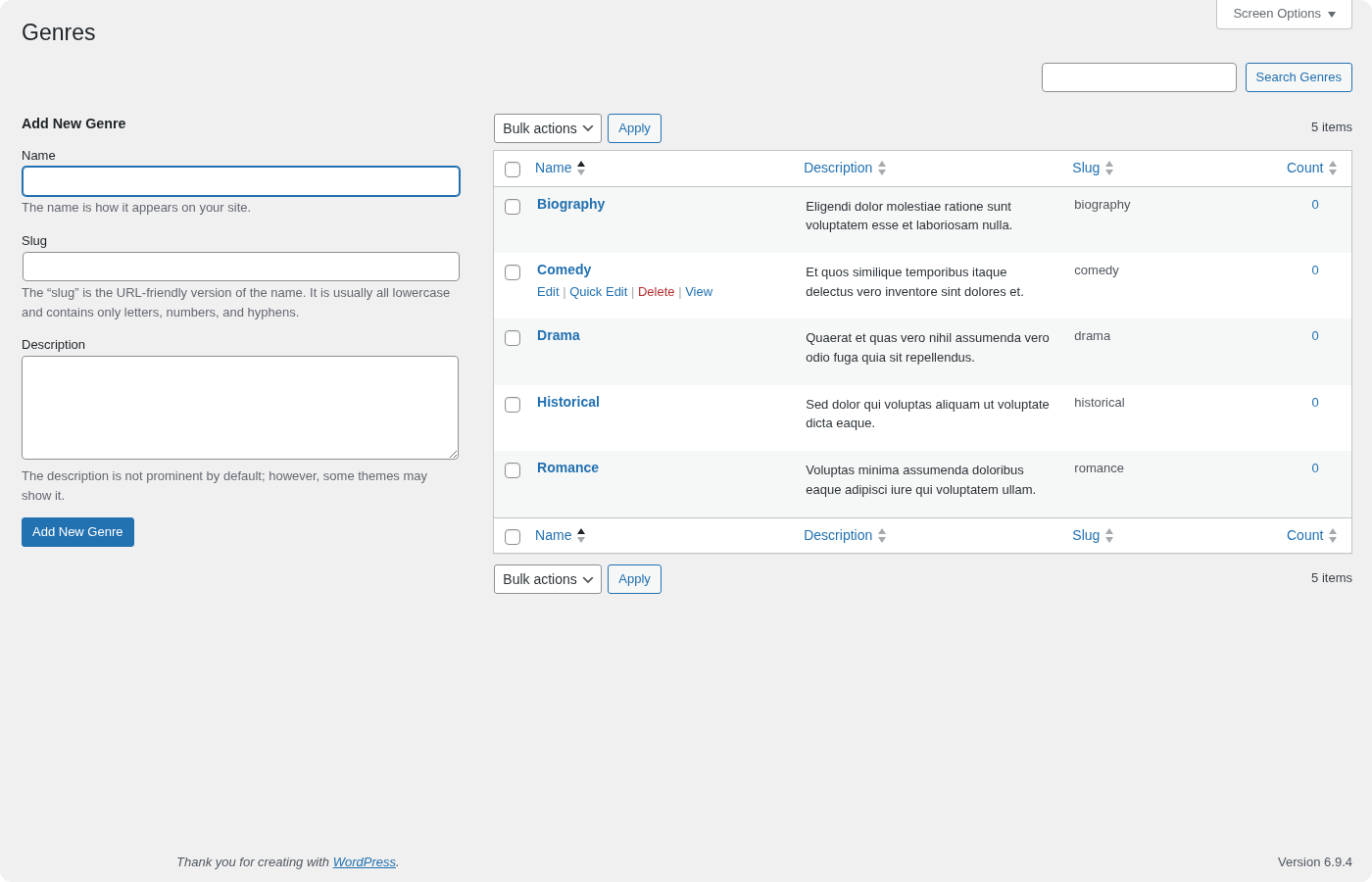
For hierarchical taxonomies, there is a middle ground between fully-structured hierarchy generation and completely flat term creation. When you disable the hierarchy generator but enable Random Parent Assignment, WPfaker creates the specified number of terms and randomly assigns some of them as children of existing terms. This produces a more organic, less uniform tree structure — closer to what naturally evolves on a real site where editors add categories over time without following a strict plan.
Random parent assignment uses existing terms in the taxonomy as potential parents, so it works best when you already have some terms in place (either manually created or from a previous generation run). The result is an irregular tree where some branches are deeper than others and some parent terms have more children than others.
Language Support
Term names and descriptions are generated in the locale selected in your Language settings or overridden in the generation panel. If you select de_DE, terms will have German names and descriptions. If you select ja_JP, they will use Japanese characters. This applies to both hierarchical and flat term generation.
Locale-aware term generation is essential when building multilingual sites or when you need to test how your theme handles different character sets, text lengths, and writing directions. German compound words, for instance, tend to be much longer than English equivalents, which can reveal layout issues that English-only testing would miss.
Custom Fields for Terms
If you use ACF or another supported field plugin to add custom fields to taxonomy terms, WPfaker will automatically detect and populate those fields during term generation. This works the same way as custom field population for posts — WPfaker reads the registered field groups, determines the appropriate data type for each field, and generates matching fake data.
For example, if your product category taxonomy has an ACF field group with a color picker, an image field, and a description textarea, all three fields will be filled with appropriate values on each generated term. This saves considerable time compared to manually filling term meta fields across dozens of terms.
What Gets Tracked
Every term created by WPfaker is logged in the History system with the taxonomy name, term ID, and generation timestamp. This tracking serves two purposes: it lets you review what was generated, and it enables targeted cleanup. When you delete generated terms — either individually from the History page or in bulk through the Danger Zone — only terms in the history log are affected. Manually-created terms are never touched.
API Usage
You can generate taxonomy terms programmatically through the WPfaker REST API:
bash
curl -X POST "https://yoursite.com/wp-json/wpfaker/v1/generate/terms" \
  -H "X-WP-Nonce: your-nonce" \
  -H "Content-Type: application/json" \
  -d '{
    "taxonomy": "category",
    "count": 10,
    "generate_hierarchy": true,
    "hierarchy_depth": 3,
    "hierarchy_breadth": 3,
    "locale": "en_US"
  }'
For flat taxonomies, omit the hierarchy parameters or set generate_hierarchy to false. The API returns a list of all created term IDs and their hierarchy relationships. See the Generation API reference for full documentation of all available parameters and response formats.
Danger Zone
Like the post generation Danger Zone, the taxonomy generator includes a Delete Existing Terms toggle. When enabled, all WPfaker-generated terms in the selected taxonomy are permanently deleted before new ones are created. Only terms tracked in the WPfaker history are affected — your manually-created terms remain untouched.
DANGER
Deleting terms is permanent and cannot be undone. If posts are assigned to the deleted terms, those assignments will be removed. Consider whether any important content depends on the terms you are about to delete before enabling this option.
Best Practices
Before generating terms, take a moment to think about the taxonomy structure your project actually needs. Sketch out the intended hierarchy on paper or in a text file: how many top-level categories, how deep the nesting goes, and roughly how many terms at each level. Then configure WPfaker's depth and breadth settings to match. This targeted approach produces more useful test data than generating terms blindly and hoping the random structure happens to match your needs.
Start with small term counts and increase as needed. It is easy to add more terms in subsequent batches, but deleting an over-generated taxonomy and starting over wastes time. A good starting point for most projects is a depth of 2, a breadth of 3, and then adjusting from there based on what you see.
Generate your taxonomy terms before running post generation. When posts are generated with the "Assign Taxonomies" option enabled, WPfaker draws from the existing term pool. Having a well-structured set of terms in place first ensures that posts are distributed across a realistic category tree rather than being clustered in a few auto-created terms.
Finally, remember that taxonomy terms created here are fully compatible with the rest of WPfaker's feature set. You can reference them in templates, they appear in History for tracking and cleanup, and they are included in the delete-related-terms option during post generation cleanup.