
Appearance
Field Detection
Field detection is the intelligence layer that allows WPfaker to generate contextually appropriate data for every custom field on your site — without requiring you to manually configure each one. When WPfaker encounters a text field named customer_email, it does not fill it with random lorem ipsum. It recognizes the "email" pattern in the field name and generates a properly formatted email address like sarah.jones@example.com. When it encounters a number field named square_meters, it does not produce a random six-digit integer. It recognizes the measurement pattern and generates a realistic area value like 85.5. This automatic intelligence is what makes WPfaker practical for sites with dozens or even hundreds of custom fields.
The detection system operates on a two-tier architecture. The first tier is a fast, local pattern matching engine that compares field names against over 780 built-in patterns across 160 detection types. The second tier is an optional AI-powered analysis that kicks in only when pattern matching cannot determine the appropriate data type. Together, these two tiers cover the vast majority of real-world field naming conventions across multiple languages.
Tier 1: Pattern Matching
Pattern matching is WPfaker's primary detection method. It is always active, requires no configuration, and runs instantly with zero external dependencies. When a field is encountered during generation, WPfaker normalizes the field name by converting it to lowercase, replacing hyphens and dots with underscores, and stripping common prefixes. The normalized name is then compared against a curated library of over 780 known patterns across 160 detection types, each mapped to a specific FakerPHP generator method.
The matching algorithm supports three levels of specificity. An exact match occurs when the full field name matches a pattern directly — for example, email matching the email pattern. A prefix match occurs when the field name starts with a known pattern — for example, phone_number matching the phone pattern. A contains match occurs when a known pattern appears anywhere within the field name — for example, customer_email_address matching the email pattern. Exact matches take priority over prefix matches, which take priority over contains matches, ensuring that the most specific interpretation is always used.
INFO
Pattern matching is multilingual. WPfaker recognizes field name conventions in nine languages: English, German, French, Spanish, Italian, Dutch, Portuguese, Polish, and Russian. Fields like vorname (German for first name), nom_de_famille (French for last name), direccion (Spanish for address), codice_postale (Italian for postal code), or telefon (German/Polish for phone) are all detected correctly alongside their English equivalents.
Banking and Financial Patterns
WPfaker recognizes field names related to banking and financial data and generates properly formatted values for each. The credit_card pattern produces a valid credit card number that passes the Luhn checksum. The vat pattern (matching vat, vat_number, ust_id, or tax_id) generates a locale-appropriate VAT identification number. The iban pattern (matching iban, bank_iban, or customer_iban) generates a valid IBAN string formatted for the selected locale. The bic pattern (matching bic, swift, swift_code, or bank_bic) generates a valid BIC/SWIFT code.
Personal Information Patterns
Names, birthdays, and other personal data are among the most common custom field types on WordPress sites. The first_name pattern (matching first_name, vorname, prénom, nombre, or prename) generates a locale-appropriate first name. The last_name pattern (matching last_name, nachname, nom_de_famille, apellido, or cognome) generates a matching surname. The full_name pattern (matching full_name, name, customer_name, or kontakt) generates a complete first-and-last name combination. The birthday pattern (matching birthday, birth_date, dob, geburtsdatum, or fecha_nacimiento) generates a date in the past that produces a plausible adult age. The gender pattern generates a gender string, and the age pattern generates a realistic age integer.
Contact Information Patterns
The email pattern (matching email, e_mail, contact_email, correo, or mail) generates a safe, non-deliverable email address using FakerPHP's safeEmail method, ensuring that no real email addresses are accidentally created. The phone pattern (matching phone, telephone, tel, telefon, téléphone, teléfono, or mobile) generates a locale-formatted phone number. The fax pattern generates a fax number in the same format. The website pattern (matching website, url, homepage, sitio_web, or webseite) generates a realistic-looking URL.
Address Component Patterns
Address fields are particularly well-served by WPfaker's pattern matching because they are so common on business and real estate websites. The street pattern (matching street, strasse, rue, calle, via, or road) generates a street name with house number. The house_number pattern generates just the numeric portion. The postal_code pattern (matching postal_code, zip, plz, code_postal, codice_postale, or postleitzahl) generates a locale-formatted postal code — five digits for US, five digits for German, alphanumeric for UK, and so on. The city pattern generates a city name, the state pattern generates a state or province name, and the country pattern generates a country name, all respecting the selected locale. The latitude and longitude patterns generate valid geographic coordinates within realistic bounds.
Company and Business Patterns
The company pattern (matching company, firma, organization, or business) generates a realistic company name with a random suffix like Inc., LLC, or GmbH depending on locale. The job_title pattern (matching job_title, position, beruf, or rolle) generates a professional job title. The department pattern generates a department name like Engineering, Marketing, or Human Resources.
Technical and Identifier Patterns
For developer-oriented fields, the username pattern generates a login-style string. The ip_address pattern generates a valid IPv4 address. The uuid pattern generates a properly formatted UUID v4 string. The mac_address pattern generates a colon-separated MAC address. The password pattern generates a secure random string with mixed character types.
Additional identifier patterns cover structured codes and reference numbers. The sku pattern generates a product SKU string. The isbn pattern generates a valid ISBN-13. The ean pattern generates a valid EAN barcode number. The barcode pattern and reference_number pattern generate formatted alphanumeric identifiers suitable for inventory and tracking systems.
Measurement and Numeric Patterns
The price pattern (matching price, preis, cost, amount, or betrag) generates a currency-formatted decimal number like 249.99. The percentage pattern generates an integer between 0 and 100. The area pattern (matching area, flaeche, size, or groesse) generates a square-meter value appropriate for room or property sizes. The weight pattern generates a kilogram value, and the height, width, and length patterns generate dimension values in centimeters or meters depending on the likely context.
Real Estate Patterns
WPfaker includes a set of patterns specifically tuned for real estate and property listing sites, reflecting how common these use cases are in the WordPress ecosystem. The object_number pattern (matching object_number, objektnummer, reference, or referenz) generates a formatted reference ID like IMM-2024-001. The floor pattern generates a floor number. The rooms pattern generates a small room count. The commission pattern generates a percentage-based commission string. The energy_class pattern generates an energy efficiency rating from A+ to G. The heating_type pattern generates a heating method description.
Date, Time, and Text Patterns
The date pattern generates a random date within a reasonable range. The time pattern generates a time string. The datetime pattern combines both. The year pattern generates a four-digit year. For text-heavy fields, the title pattern generates a short headline-style string, the description pattern generates one to two sentences, the content pattern generates multiple paragraphs, and the excerpt pattern generates a brief summary of one to three sentences.
Automotive Patterns
For vehicle-related sites, the vin pattern generates a vehicle identification number. The license_plate pattern generates a locale-formatted license plate string. The vehicle and manufacturer patterns generate car-related names, and the model pattern generates a vehicle model name.
Context-Aware Pattern Matching
Generic field names like name, category, or role appear in many different contexts and mean different things depending on where they sit. A field called name inside an awards repeater should generate an award name, not a person name. A category field inside a products group should generate a product category, not a generic term. WPfaker solves this with context rules — a set of disambiguation rules that analyze the field's parent hierarchy to determine the correct detection type.
When a field name is ambiguous, WPfaker walks up the field path (parent groups, repeater rows, flexible content layouts) and checks whether any parent name matches a known context. If it does, the context narrows the detection type:
| Context | Field Name | Detection Type |
|---|---|---|
award, prize, nomination | name, title | Award name |
award, prize, nomination | category | Award category |
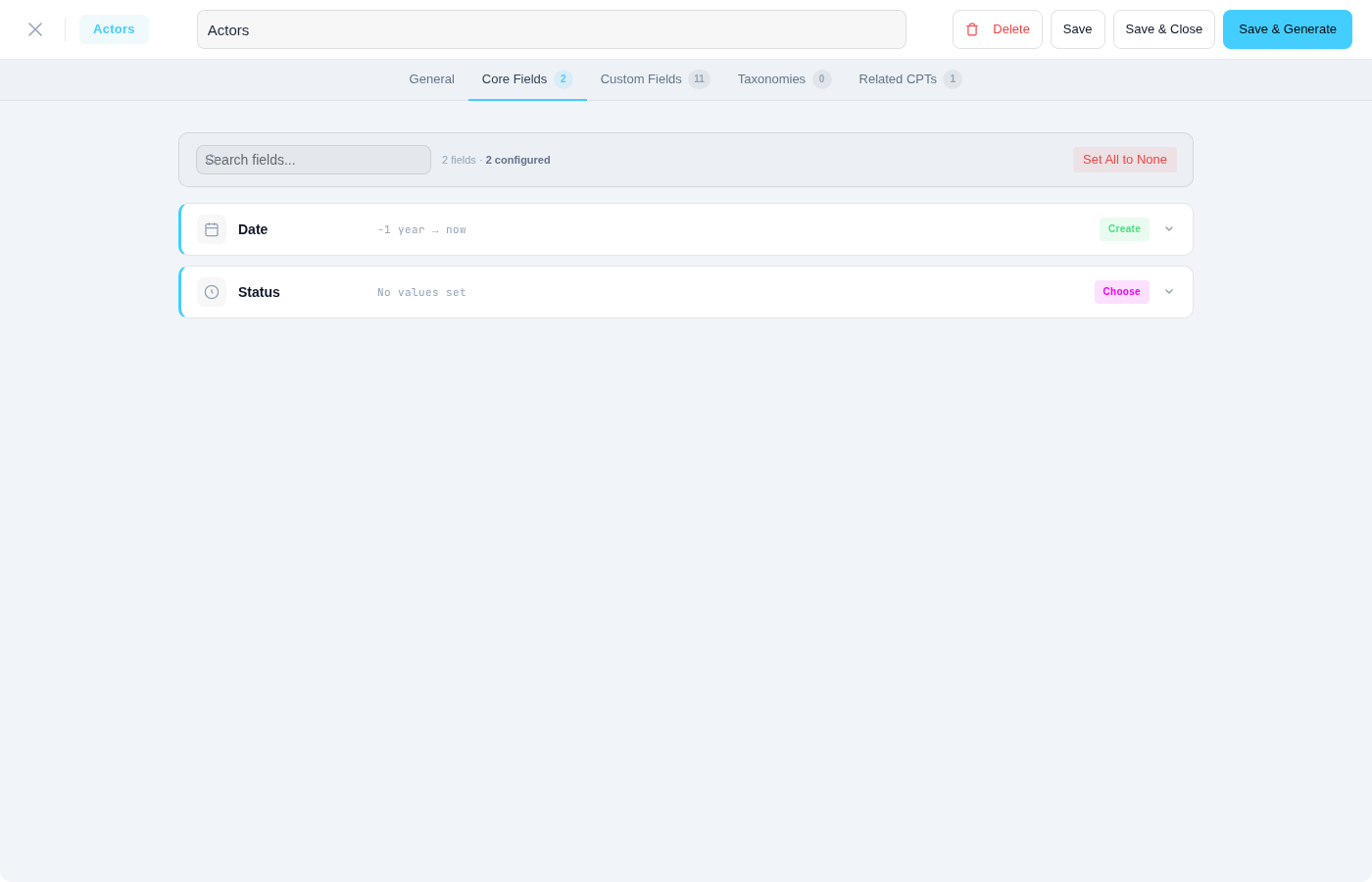
cast, actor, performer | name | Full name (person) |
cast, actor, performer | role, character | Character name |
team, staff, employee | role, title, position | Job title |
team, staff, employee | name | Full name (person) |
product, shop, item | category | Product category |
product, shop, item | name | Product name |
event, conference | name, title | Event name |
event, conference | location, venue | City |
course, lesson, curriculum | instructor, teacher | Full name (person) |
recipe, ingredient | name | Ingredient name |
recipe, ingredient | amount, quantity | Ingredient amount |
Context keywords are multilingual — they match in English, German, French, Spanish, Italian, Dutch, Portuguese, Polish, and Russian. A repeater named rezept_zutaten (German for "recipe ingredients") with a sub-field name correctly generates ingredient names, not person names.
TIP
Context rules only activate for ambiguous field names. If a field name already matches a specific detection type unambiguously (like email or phone), context rules are not needed and do not apply.
CPT Domain Context
Beyond field-level context, WPfaker also considers the post type itself when resolving ambiguous fields. The CPT domain context system maps post type slugs and labels to one of 19 domain contexts:
Products, Real Estate, People/Team, Events, Recipes/Food, Vehicles, Services, Media/Podcasts, Directories, FAQ, Coupons, Case Studies, Partners, Slides/Banners, Press, Portfolio, Education, Jobs, and Testimonials.
When a field named title appears on an event CPT, the domain context helps WPfaker choose an event-appropriate title rather than generic lorem ipsum. This mapping uses multilingual keywords — a CPT slug of veranstaltungen (German for events) or événements (French) triggers the same event domain context as events.
For niche post types that don't match any built-in domain, WPfaker can optionally use AI to determine the domain context. This AI-generated context is cached for 24 hours and enhances detection accuracy for custom CPTs with unusual names. See AI Settings for configuration.
Tier 2: AI-Powered Detection
When pattern matching cannot determine the appropriate data type for a field — because the field name is ambiguous, uses an unusual language, or follows a non-standard naming convention — WPfaker can optionally invoke AI to analyze the field in context. This second tier supports three AI providers — Google Gemini, Anthropic Claude, and OpenAI GPT — and uses your configured provider to examine the field name, its label, its declared field type, any available options or choices, and the post type it belongs to. The AI then suggests the most appropriate FakerPHP generator method.
For example, a field named primary_residence would not match any built-in pattern because it is a compound term rather than a standard naming convention. The AI, however, recognizes it as an address-related field and maps it to the street address generator. Similarly, a field named availability_status might be mapped to a date or boolean generator depending on its field type context.
AI detection results are cached for twenty-four hours to avoid repeated API calls for the same field. After the cache expires, the field is re-analyzed on its next generation run. This caching ensures that AI detection adds minimal overhead to repeated generation batches while still adapting to changes in field configurations.
TIP
AI detection is entirely optional and off by default. Pattern matching alone covers the vast majority of standard field naming conventions. Enable AI detection only if you have fields with unusual, non-English, or highly domain-specific names that pattern matching cannot resolve. See AI Settings for setup instructions.
Detection Priority
When WPfaker encounters a field, it applies detection logic in a strict priority order to determine what kind of data to generate:
Explicit template configuration — If you have created a Template and manually configured a specific field to use a particular faker method, that configuration takes absolute priority. Templates are the ultimate override mechanism.
Pattern match — If no template configuration exists for the field, WPfaker's pattern matching engine analyzes the field name against its library of over 780 patterns across 160 detection types. If a match is found, the corresponding faker method is used.
AI detection — If pattern matching finds no match and AI detection is enabled, the field is sent to your configured AI provider (Google Gemini, Anthropic Claude, or OpenAI GPT) for contextual analysis. The AI's suggestion is used and cached for future runs.
Default field type mapping — If none of the above methods produce a result, WPfaker falls back to a generic mapping based on the field's declared type. Text fields receive lorem ipsum sentences, number fields receive random integers, date fields receive random dates, and so on.
This priority chain ensures that you always have control over the output. If the automatic detection produces incorrect results for a specific field, you can override it by configuring that field in a template without affecting detection for any other field.
Locale-Aware Generation
All generated data respects the locale you have selected in WPfaker's settings. This affects not just the language of text content but also the format and conventions of structured data. A first_name field generates "John" under en_US locale, "Hans" under de_DE, or a Japanese name under ja_JP. A postal_code field generates a five-digit ZIP code for US locale, a five-digit PLZ for German locale, or an alphanumeric postcode for UK locale. Phone numbers follow the dialing conventions of the selected country, and IBAN numbers use the appropriate country prefix.
This locale awareness is inherited from FakerPHP's extensive locale library, which covers dozens of languages and regional formats. WPfaker passes the selected locale through to every faker method call, so the entire generated dataset is linguistically and formatically consistent. See Languages for the full list of supported locales.
Field Type Context
The detection system does not operate in isolation from the field's declared type. When a field is registered as a specific type through ACF, JetEngine, Meta Box AIO, or any other supported plugin, that type declaration provides an important constraint. A field declared as email type always generates an email address, regardless of its name. A field declared as number type always generates a numeric value, even if its name suggests text content. A field declared as date_picker always generates a date, and a true_false field always generates a boolean.
Within these type constraints, field name analysis still refines the output. A number field named price generates a currency value, while a number field named age generates a small integer. But the type constraint is never violated — a number field never receives text, and a date field never receives a number. This two-layer approach (type constraint plus name analysis) produces highly accurate results across the full spectrum of field configurations.
INFO
Field type context is provided by the active field plugin adapter. Each adapter reads type information from its plugin's own field configuration format and normalizes it for the detection system.
Verifying Detection Results
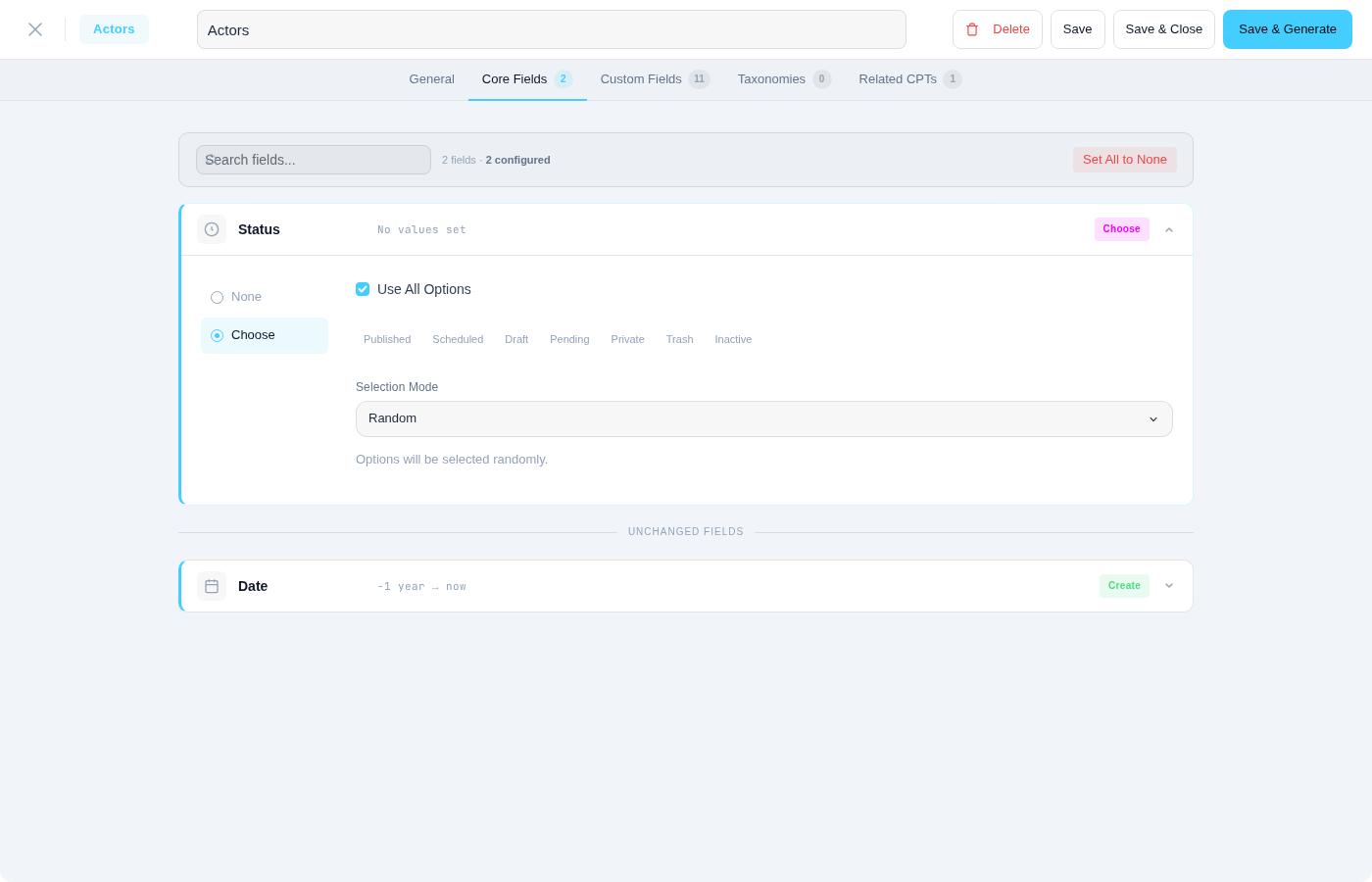
The best way to verify that field detection is working correctly for your site is to generate a small test batch of one or two posts and then inspect the results in the WordPress admin. Open the generated post in the editor and check each custom field's value. If a field received inappropriate data — for example, generic lorem ipsum where you expected an email address — the field name likely did not match any built-in pattern.
You have several options to improve detection for problem fields. The simplest approach is to rename the field to use a more descriptive, pattern-friendly name. Changing data1 to customer_email immediately activates the email pattern. If renaming is not practical, you can enable AI Detection to let an AI provider (Google Gemini, Anthropic Claude, or OpenAI GPT) analyze the field in context. For fields that require absolute precision, create a Template and configure the field manually — this overrides all automatic detection for that specific field.
TIP
Generate a small batch first, verify the output, then scale up. It is much easier to spot and fix detection issues with two generated posts than with two hundred.
WPfaker Hive
When AI field detection is enabled, WPfaker offers an optional community feature called the WPfaker Hive that turns individually discovered field type mappings into a shared resource for all participating users. Every time the AI successfully identifies the correct faker method for an unknown field name, that mapping — for example, primary_residence → address or availability_status → date — represents a small piece of knowledge. With the Hive enabled, these mappings are anonymously shared with the WPfaker Hive, where they become available to every other WPfaker installation that also participates in the Hive.
The Hive works as a real-time API exchange, not through plugin updates. When your installation encounters an unknown field name, it queries the Hive before falling back to AI analysis. If another user's installation has already contributed a mapping for that exact field name, your installation can use it instantly — no AI call needed, no waiting for a plugin release. The more installations participate, the smarter the Hive gets, and the fewer AI calls any individual installation needs to make.
WARNING
The Hive is reciprocal. If you disable it, your installation will neither contribute mappings nor receive them. Only installations with the Hive enabled can query the shared database.
No personal data is ever transmitted. A Hive submission consists solely of the field name and the faker method pair — nothing else. No site URLs, no domain names, no user information, no generated content, and no API keys leave your installation. The toggle for the Hive appears in the AI-Powered Field Detection section of the settings page and can be enabled or disabled independently of AI detection itself. See AI Settings for configuration details. For a complete list of all data WPfaker transmits externally, see the Privacy & Data Transparency page.
Beyond individual field lookups, the Hive also powers Hive Pattern Mining — a system that analyzes the collective dataset to discover generalizable patterns (like *_phone → phone) and distributes them to all participants. For the full guide, see Hive Pattern Mining.
Performance
Pattern matching runs entirely in memory with no external dependencies and completes in microseconds per field. Even sites with hundreds of custom fields experience no measurable delay from pattern matching. AI detection, when enabled, adds approximately 500 milliseconds per unmatched field due to the external API call to your configured AI provider (Google Gemini, Anthropic Claude, or OpenAI GPT). However, because AI results are cached for twenty-four hours, subsequent generation runs within the cache window incur no AI overhead at all. In practice, AI detection only adds noticeable time on the first generation after a field configuration change.